FPV glasses Skyzone SKY04X Pro – Full HD glasses with adjustable lenses and OLED screen
Features Sky04X Pro
- Sky04X Pro model
- OLED screen
- Resolution 1920 × 1080
- Field of vision 52°
- Aspect ratio 4:3/16:9
- Focus adjustment -6 ~ +2
- Interpupillary distance 58-71 mm
- 5.8 GHz 48CH V3.3 Steadyview Receiver
- Language 10 different languages
- Consumed power 5V
- Head tracker Present
- Connectors Type C, HDMI in, DC in, HT out, connector for SD card, A/V, 3.5 MiniJack for headphones
- Size: 185mm x 75mm x 67mm
| Count | Price | |||
|---|---|---|---|---|
| From | 1 | шт | 29500 | грн |
| From | 2 | шт | 28911 | грн |
Переглянути відгуки (0)


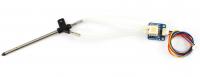

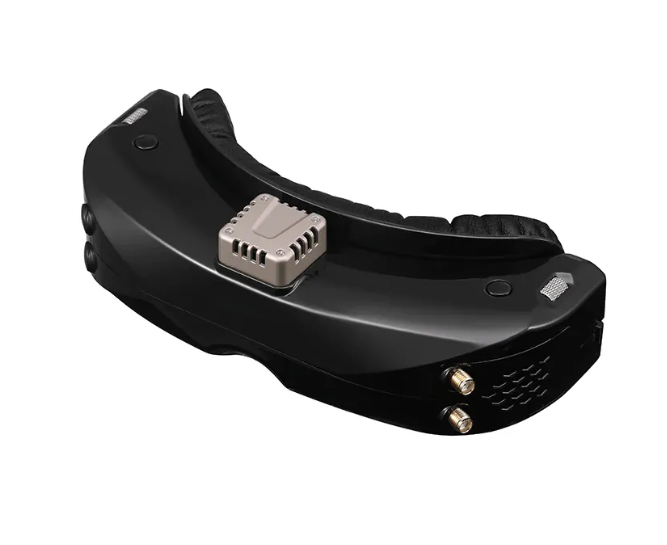
SKY04X PRO is an improved version of the SKY04X model, equipped with updated optics and a new OLED screen. The skyzone 04x pro model gives pilots a wide field of view of 52 degrees, providing an extremely immersive FPV experience. With a high resolution of 1920x1080 and a refresh rate of 100 frames per second, the use of the digital VRX system provides an unparalleled flight experience.
The SKY04X PRO glasses are equipped with an HDMI connector for convenient connection to a monitor, which is ideal for use in simulators. The design also includes connectors such as minijack 3.5 for headphones, an AV cable for transmitting audio-video signals and a separate HT OUT connector for Head Tracker mode.
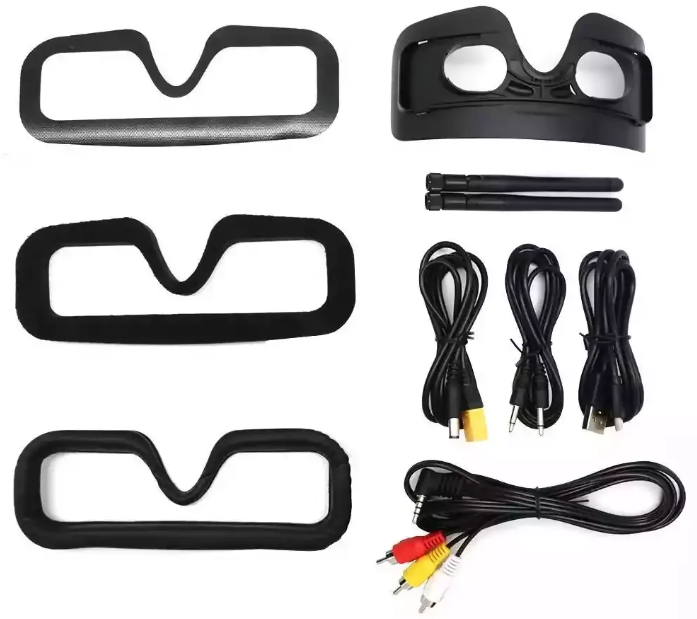
The set of SKY04X PRO glasses includes all the necessary cables for operation. It is important to note that they can be powered directly from a wide range of 2S to 6S LiPo batteries, as well as from a 5V USB power source.
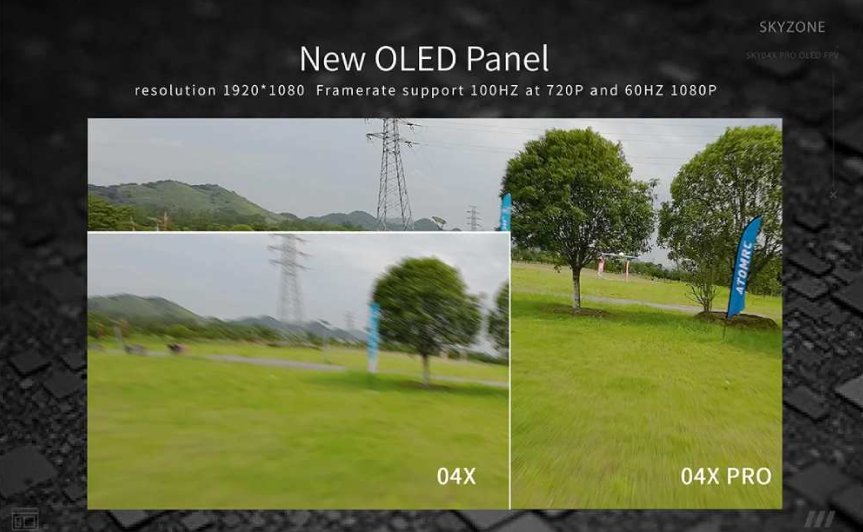
The matte coating of skyzone 04x pro effectively protects against fingerprints and reduces glare.
Intuitive user interface makes menu navigation easy. Thanks to the settings wheel and the new button, the user can easily adjust the parameters by simply turning the wheel without taking off the glasses.
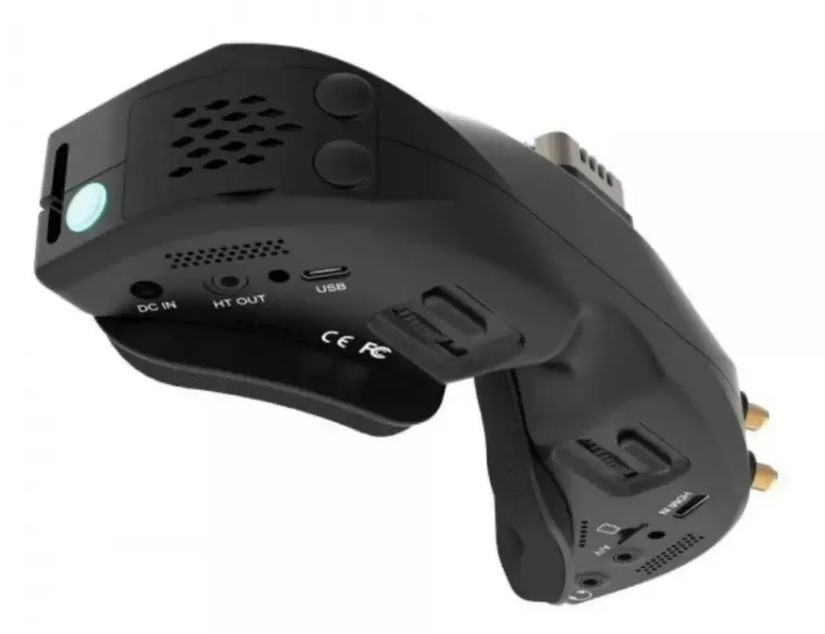
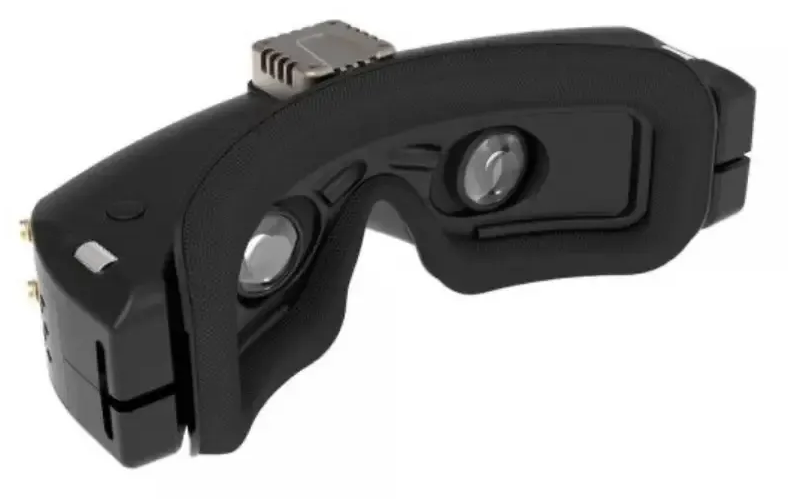
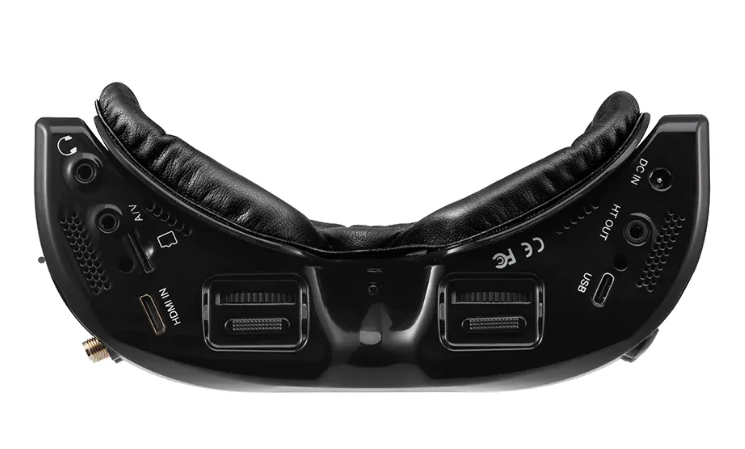
Main advantages of SKY04X PRO The glasses have an adjustable interpupillary distance (IPD) - this allows you to conveniently adjust them to your own needs and achieve perfect image synchronization. The OLED panel with a resolution of 1920x1080 and a refresh rate of 100 frames/s will give you an incredibly clear and smooth image, and inside the glasses there is a ventilation cooling system to prevent lens fogging. The extended viewing angle of up to 52 degrees provides a wider field of view, allowing you to get more information from the image and provide a more complete immersion in piloting the drone. The built-in digital video recorder helps you analyze your flights with the ability to record video. Matte finish that prevents fingerprints and glare on the glasses. HDMI connector for easy and direct connection to the monitor, which is extremely convenient when used in simulators.
Technical characteristics SKY04X PRO
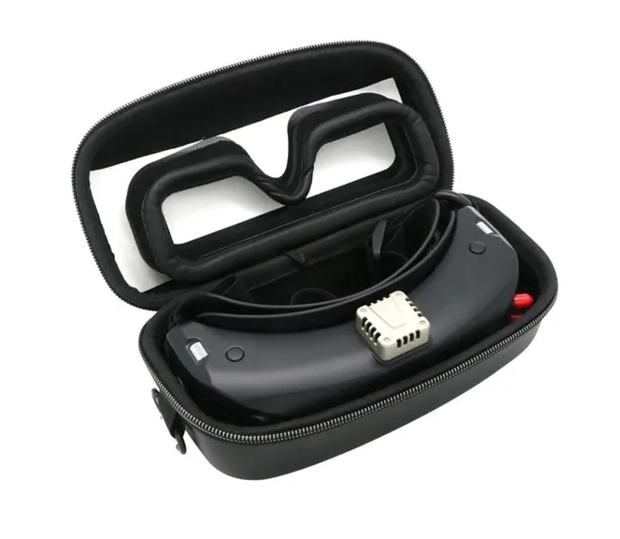
Complete set for SKY04X PRO: